
What is failover?
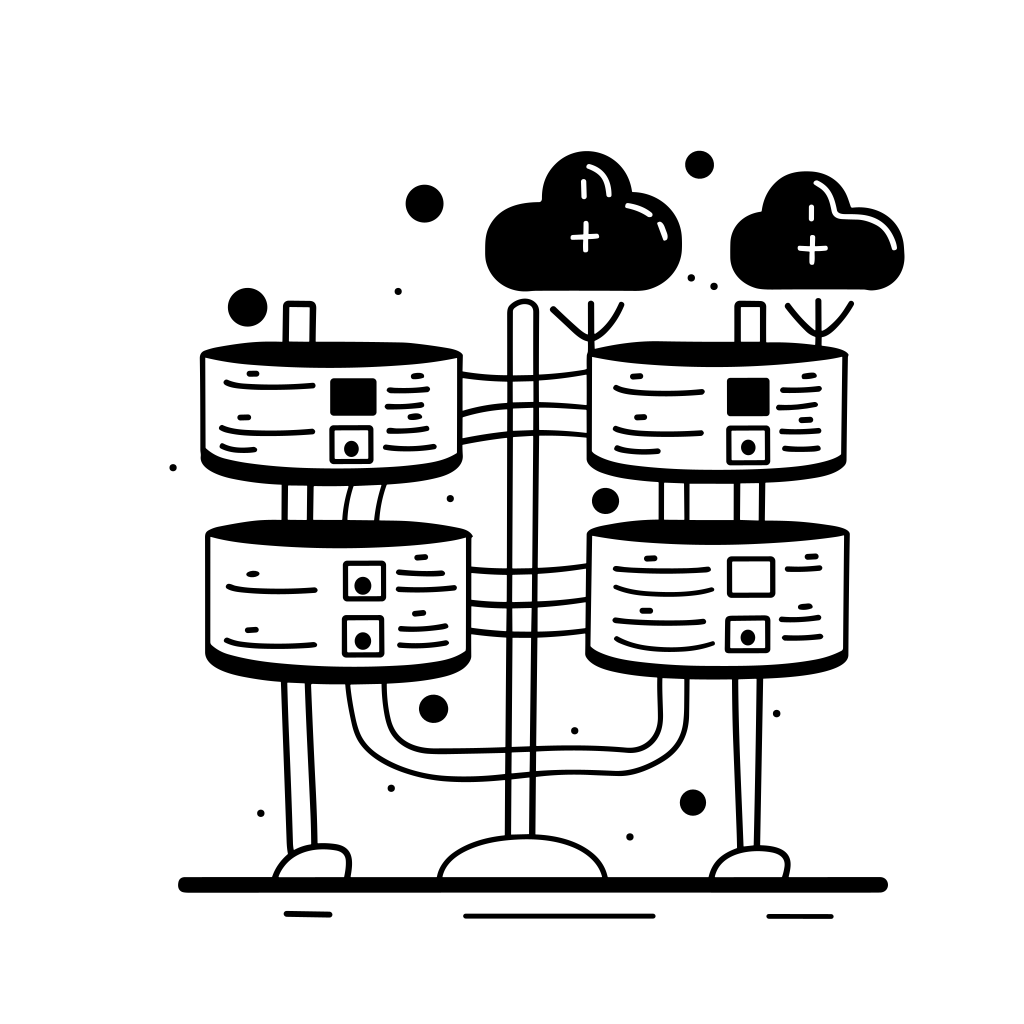
Failover is the automatic or manual switch from a system that has failed to a standby system, so a service keeps running. In an LMS, failover means that if the server or database behind your learning site stops responding, traffic moves to a healthy copy. Learners can keep training and taking exams.
Failover protects availability. A backup protects data. An LMS that holds compliance records or sells courses needs both.
Failover vs backup
| Failover | Backup | |
|---|---|---|
| Protects against | Downtime | Data loss |
| How it works | A standby server, database or region takes over live traffic | A copy of data is stored and restored when needed |
| Speed | Seconds to minutes if automatic | Minutes to hours, depending on data size |
| Covers | Server crashes, hardware or zone failures, traffic spikes | Deleted courses, corrupted data, ransomware, bad upgrades |
| Does not cover | Data that was deleted or corrupted (the standby copies it too) | Keeping the site online while a server is down |
| Key metric | Recovery time objective (RTO): how fast service returns | Recovery point objective (RPO): how much recent data you can lose |
A common mistake is treating one as the other. If someone deletes a course, failover copies that deletion to the standby system, and only a backup brings the course back. If a server fails, a backup restores the data, but the site stays down until a new server is ready.
Types of failover
Automatic vs manual failover
Automatic failover detects a failure through health checks and switches traffic without a person stepping in. Manual failover needs an administrator to confirm the failure and start the switch. That adds time, especially outside business hours. For an LMS used around the clock or during scheduled exams, automatic failover is the safer choice.
Active-passive vs active-active
| Model | How it works | Trade-off |
|---|---|---|
| Active-passive | One system serves traffic; a standby waits and takes over on failure | Simpler and lower cost, with a short switch-over |
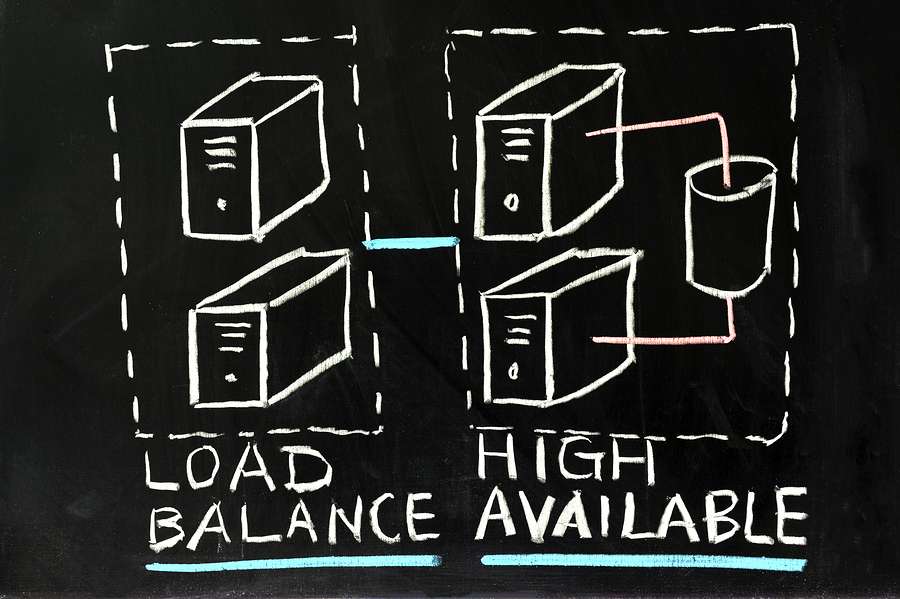
| Active-active | Several systems serve traffic at once behind a load balancer | No single point of failure and better performance under load, at a higher cost |
Active-active setups also spread load. Load balancing sends requests to whichever server is least busy, or to the closest one, which prevents slowdowns during peaks such as a CE deadline or an exam window.
What are failover and failback?
Failback is the return to the primary system once it is repaired. A good failback plan syncs any data written during the outage and switches traffic back without a second interruption.
What is failover testing?
Failover testing deliberately takes down a component to confirm that the standby takes over within the target time. Untested failover is a common reason recovery plans fail. Ask your host how often they test it.
Why failover matters for an LMS
LMS downtime is not only an IT problem:
- Compliance: learners miss mandatory deadlines, and gaps appear in audit records.
- Revenue: purchases and enrolments in your course store fail.
- Exams: timed assessments are interrupted, which can mean re-sits and appeals.
- Trust: members and employees lose confidence in the program.
The uptime figure in a service level agreement (SLA) translates into a fixed amount of downtime a year:
| Uptime | Allowed downtime a year | Allowed downtime a month |
|---|---|---|
| 99% | 3.65 days | about 7.3 hours |
| 99.9% | about 8.8 hours | about 44 minutes |
| 99.99% | about 53 minutes | about 4.4 minutes |
Lambda Learning's managed Moodle and Totara hosting runs on AWS with 99.9% uptime and 24/7 support, with an average response time under two hours.
8 questions to ask an LMS hosting provider
- Is failover automatic, and what is the target recovery time (RTO)?
- Is the database replicated, and across how many availability zones?
- How often are backups taken, and how long are they kept?
- What is the recovery point objective (RPO)?
- Where are backups stored, and are they in the same region as your data?
- How often are failover and restores tested?
- What uptime does the SLA guarantee, and what happens if it is missed?
- Who do you call at 2 a.m., and how fast do they respond?
FAQ
What is failover in simple terms?
Failover is a backup system taking over when the main system fails, so the service stays online. For an LMS, it keeps courses and exams available during a server or database failure.
What is the difference between failover and backup?
Failover keeps a system running by switching to a standby. A backup is a stored copy of data used to restore information after loss or corruption. Failover reduces downtime; backups prevent data loss.
What is automatic failover?
Automatic failover uses health checks to detect a failure and moves traffic to a standby system without manual action, usually within seconds to minutes.
What is a failover server?
A failover server is a standby server that holds a current copy of the application and data, ready to take over if the primary server fails.
What does 99.9% uptime mean?
99.9% uptime allows about 8.8 hours of downtime a year, or about 44 minutes a month.
Not sure how resilient your current Moodle site is? Get a free hosting assessment.